Make it your school’s.
Choose your school address, add your colors, and give your community a place to come together.
Turn your community’s dinners, adventures, and little talents into a party fundraiser for your school.

 Bring a friend.
From the first “what if we hosted…” to the last name on the guest list.
Choose your school address, add your colors, and give your community a place to come together.
Parents propose a dinner, a workshop, or an afternoon of fun. Your organizer reviews each party before it goes live.
Share your party book. Families browse, book a place, and keep track of their plans in one place.
A whole season of little reasons to get together.
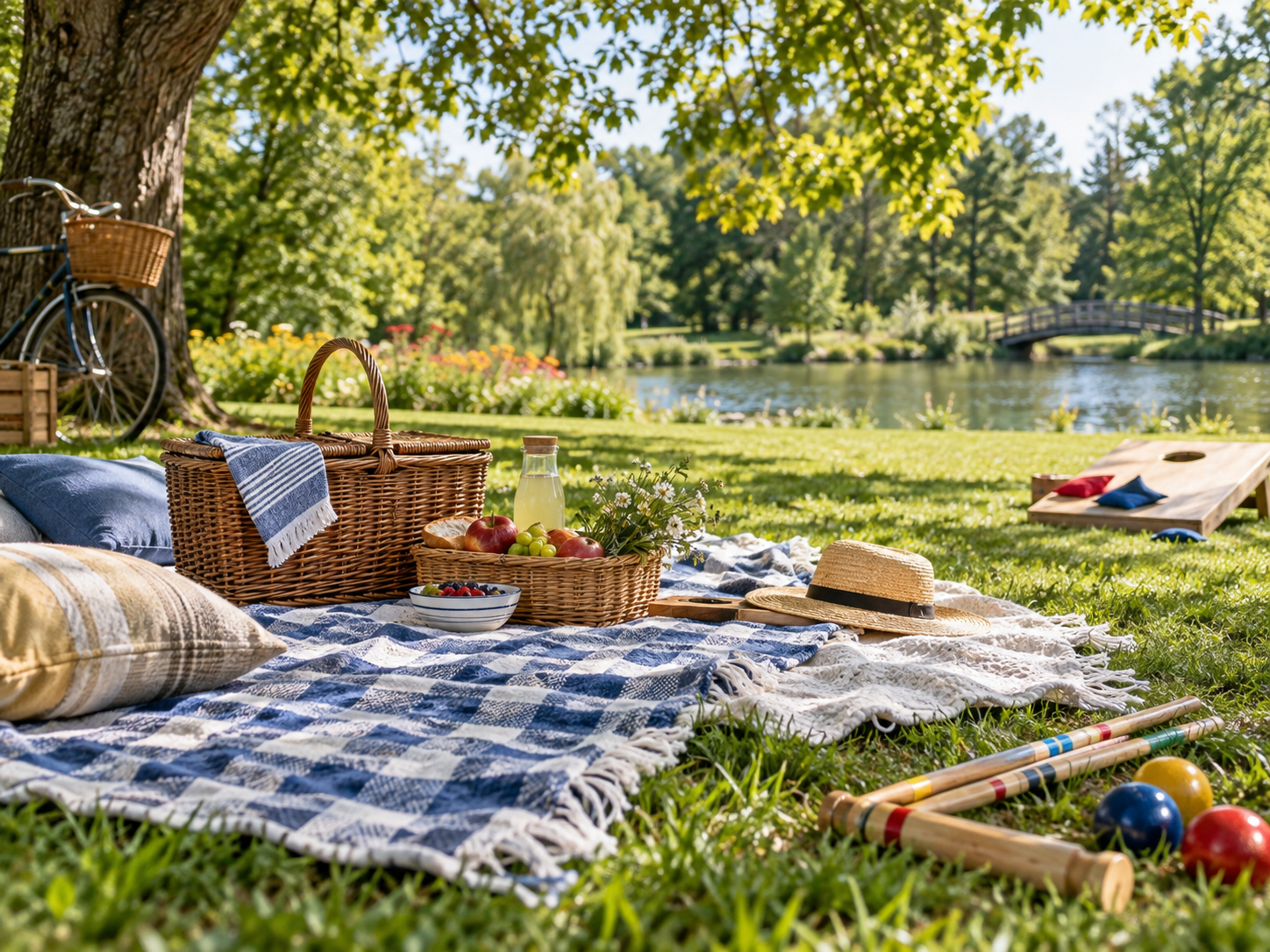 FAMILIESA Sunday in the parkA school community gatheringGROWN-UPSThe neighborhood tableA place for new friends
Give families a school page that feels like yours, at an address that’s easy to remember.
Keep your published party book open to browse, or add a school access code. Exact host addresses stay with confirmed guests, and guest lists stay with hosts and organizers.
How we protect school communitiesStart with a small collection. Make it your own as you go.
A school organizer can sign up with an email address, choose a school address, and start preparing the party book. Make sure you have your school’s permission before inviting families or collecting money.
Public school pages can be browsed without signing in. If your school uses an access code, enter it first. Parents sign in with an emailed link to book, join a waitlist, or propose a party.
Yes. New schools start with an empty party book in test mode. Test bookings collect no money. You can also explore our clearly marked fictional school demo.
Paid bookings open after the school’s approved payment account is connected and tested. Until then, use test mode to prepare your parties and rehearse the booking flow.
Yes. The organizer can change or remove it in school settings. Changing the code asks visitors to enter the new one; organizers can still get in with their own sign-in.